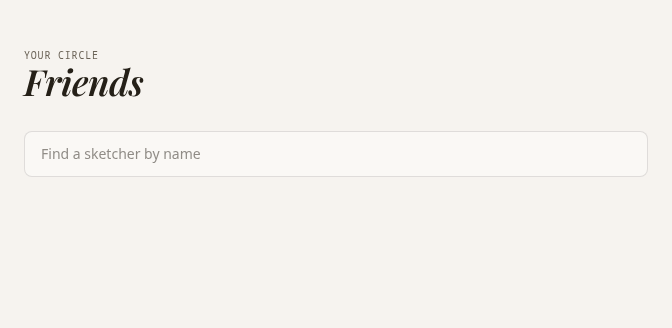
1Open Friends after signing in. Search a sketcher’s name using at least two characters.2Choose Add beside the person to send a request. Incoming requests can be accepted or declined.3See accepted friends under Connected. On Explore, search their name to find their visible pins. Friends-only content stays limited to connected members.4Being friends lets you: see your friend’s pins and Post Notes set to Friends-only (once approved), tap Friends on Explore to show only their work, invite them into private groups, and see likes, comments and check-ins under their pins. Tap a friend’s name to list their pins and chat with them privately.5To stop being friends, press Unfriend beside their name in the Friends list and confirm. Undo stays available for five seconds, and both sides lose friends-only access at once.Try it